
Where can I use Pretty Prompt?
Pretty Prompt is available worldwide! You can prompt in your native language.
You can use Pretty Prompt as a browser Extension inside where you prompt, or on the Pretty Prompt Web App if you prefer a different interface.
You can access Pretty in the following ways:
Chrome Extension
-
In-line access - The Chrome extension directly supports in-line improvements for the following LLMs: ChatGPT, Gemini, Claude, Perplexity, Lovable, V0, Base44, Bolt, TypingMind, Grok, Max AI, Ninja Tools, OpenRouter, Manus AI, Merlin, Monica AI, Z AI, Greta. Just type as usual, and click the “✨ Improve Prompt” button right inside your favorite platform.
NOTE: On some websites, you will see the button on top of the textbox, and in some others on the right edge of the browser.
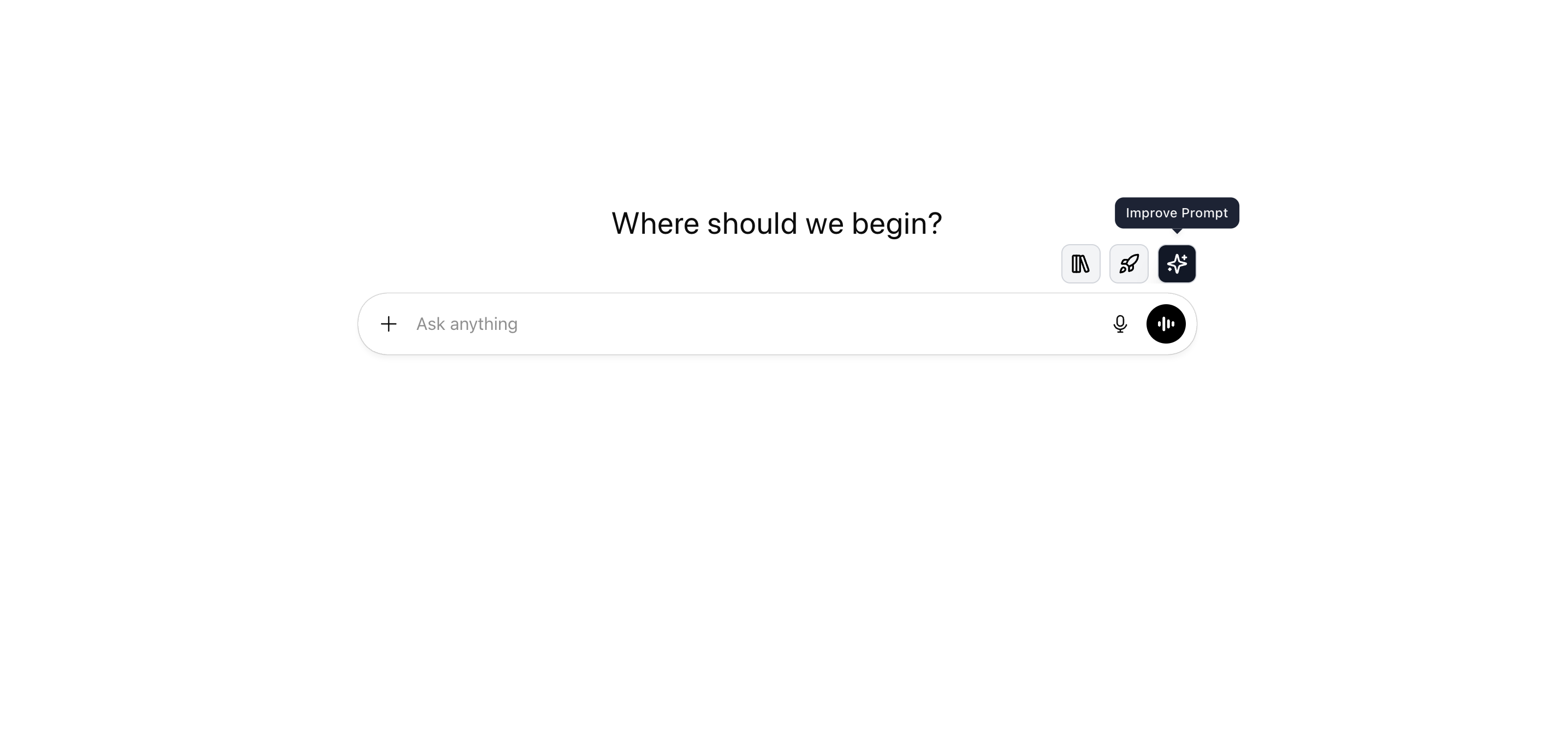
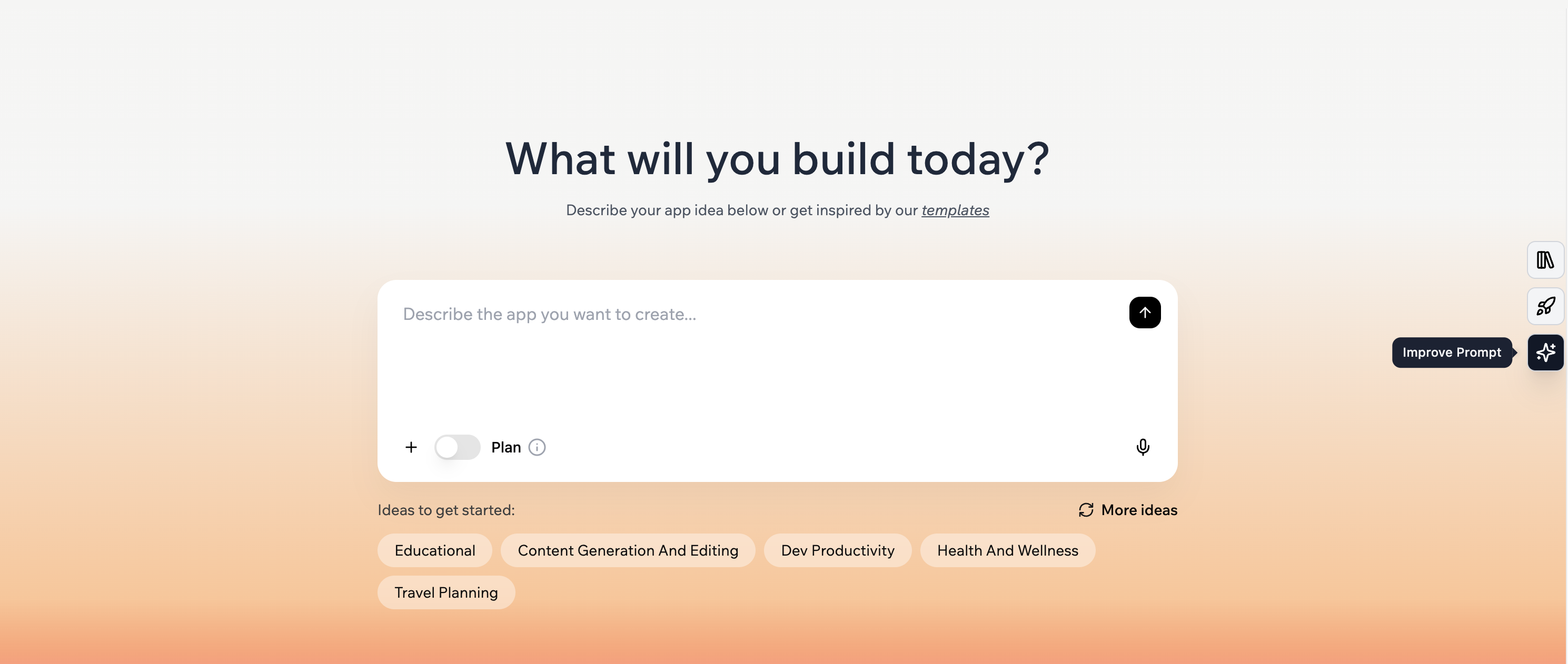
-
Prompt-from-anywhere - with the browser extension, you can also access prompt improvement anywhere on the web by clicking on the Pretty Prompt logo in your extensions toolbar.
(Hint: use the hotkey 'Cmd + Shift + P' to open the Extension popup).

Click here to download the Chrome extension.
Pro tip: Pin the extension after downloading to easily find and access it from anywhere.
Web Application
With the web application, you can access Pretty Prompt in any browser or on any device.
(Hint: it is mobile-friendly!)
Click here to access the web application
Note: Other Chromium browsers may provide a different experience compared to Chrome. Pretty Prompt is primarily optimized for Chrome but should work on other Chromium browsers.
We have encountered glitches when using ChatGPT in Atlas or Perplexity in Comet. If you experience any issues, please let us know, and we'll do our best to help.
How can I use Pretty Prompt in other Sites?
Pretty Prompt works out of the box on ChatGPT, Gemini, and Claude.
To use it in other sites, go to the Web App -> Sites -> Enable the sites you want Pretty Prompt to work with.
Need more help? Here's a step-by-step guide and video.